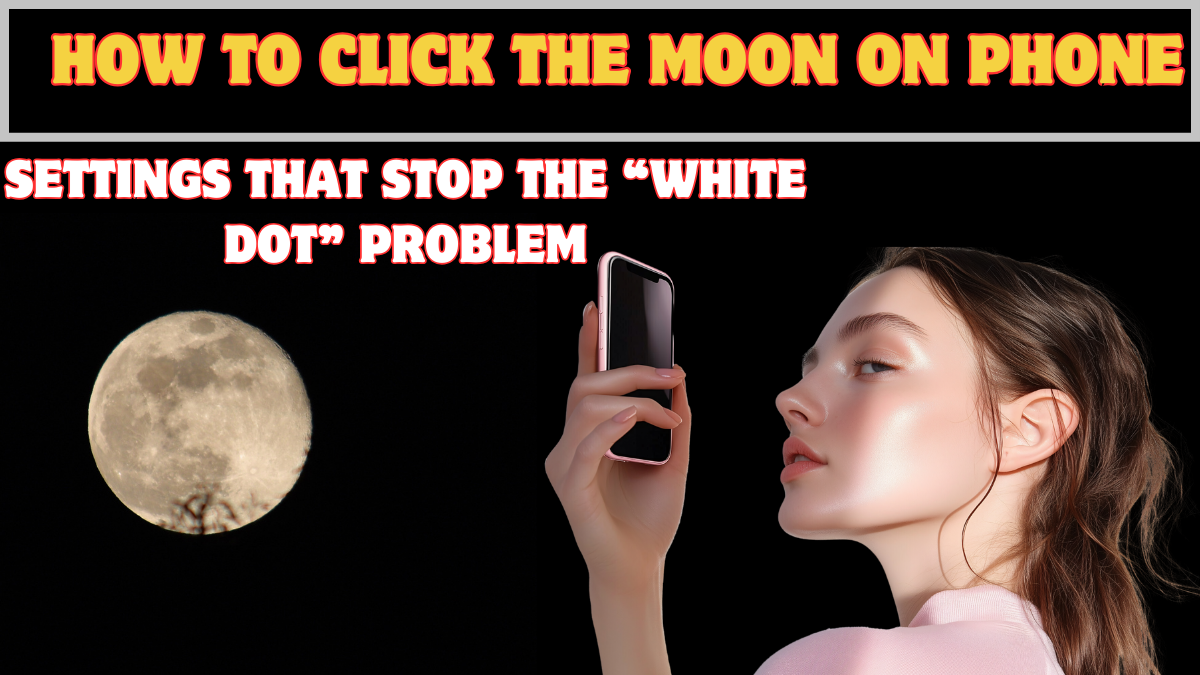
If your moon photos always turn into a glowing white circle with zero detail, you’re not bad at photography—you’re just using the wrong settings. The full moon photo tips phone searches spike every month for this exact reason. Phones are designed to brighten dark scenes, but the moon is not a dark object. It’s extremely bright, and your camera doesn’t understand that unless you force it to.
Once you stop trusting auto mode and make a few small adjustments, your phone can capture craters, texture, and contrast instead of a featureless dot. You don’t need expensive gear. You need control.
Why Phone Cameras Fail at Moon Photography
Phone cameras fail because they treat the moon like a night scene instead of a bright object.
What goes wrong:
• Auto exposure over-brightens the moon
• Night mode stacks light and blows highlights
• Digital zoom destroys detail
• Focus locks incorrectly on the sky
Until you override these behaviors, every moon shot will look the same.
Exposure Tricks That Instantly Fix the White Dot
Exposure control is the single most important step in moon photography.
Do this first:
• Tap on the moon to lock focus
• Slide exposure down manually
• Aim for a slightly dark image
• Ignore how the sky looks
A darker photo preserves detail. You can brighten shadows later, but blown highlights are gone forever.
Why Night Mode Is Your Enemy for Moon Shots
This is the biggest myth to break. Night mode is built for low-light scenes—not bright celestial objects.
Night mode fails because:
• It increases exposure time
• It stacks frames aggressively
• It smooths out fine detail
For moon shots, always turn night mode off, even if the sky looks dark.
Manual or Pro Mode: When to Use It
If your phone has Pro or Manual mode, use it. This gives you real control.
Recommended starting settings:
• ISO: as low as possible
• Shutter speed: fast (1/250 or higher)
• Focus: manual, set to infinity
• White balance: daylight
These settings prevent overexposure and preserve surface texture.
Tripod Hacks That Actually Work
You don’t need a professional tripod. Stability is the goal.
Easy tripod hacks:
• Lean phone against a wall
• Use a railing or ledge
• Place phone on a backpack
• Use a cheap clamp stand
Even slight hand movement ruins sharpness at high zoom.
Zoom: What You Should and Shouldn’t Do
Digital zoom is a trap. It magnifies blur, not detail.
Better approach:
• Use minimal zoom
• Crop later instead of zooming in-camera
• Combine slight zoom with low exposure
Optical zoom (if available) is fine. Digital zoom should be limited.
Editing Tips That Improve Moon Photos Without Ruining Them
Editing should enhance, not fake.
Simple editing steps:
• Lower highlights
• Increase contrast slightly
• Add clarity or structure
• Avoid heavy sharpening
Over-editing creates halos and noise. Subtlety wins.
Best Time to Click the Moon
Timing matters more than equipment.
Best conditions:
• Just after moonrise
• Clear skies with low pollution
• When moon is not directly overhead
The atmosphere adds depth and color when the moon is low.
Common Mistakes That Ruin Moon Photos
Avoid these habits:
• Shooting in auto mode
• Trusting night mode
• Over-zooming
• Hand-holding at high zoom
• Expecting DSLR results
Phone photography has limits—but within them, great shots are possible.
What Realistic Results Look Like
Set expectations correctly. Phone photos won’t match telescope images.
You should expect:
• Visible surface texture
• Sharp circular edges
• Natural color tone
Anything more is likely software enhancement.
Conclusion
Mastering full moon photo tips phone isn’t about fancy apps or filters—it’s about exposure control, stability, and timing. Once you stop fighting your phone’s automation and start guiding it, moon photography becomes predictable instead of frustrating.
The next time the moon rises, don’t tap and pray. Control the camera—and the details will follow.
FAQs
Why does the moon look like a white dot in photos?
Because auto exposure and night mode over-brighten a very bright object.
Should I use night mode for moon photography?
No. Night mode ruins moon detail by overexposing it.
Do I need a tripod to photograph the moon?
Not necessarily, but stability is critical for sharp results.
Can phone cameras really capture moon details?
Yes, with correct exposure and focus settings.
Is editing necessary for moon photos?
Light editing helps, but heavy edits reduce realism.